How AI Generates Complete Courses: What Works and What Breaks
Why single-prompt course generation produces plausible-but-useless content, the multi-step pipeline that actually works (objectives, modules, lessons, exercises, coherence check), and what AI-generated learning still can't replace.
The first AI-generated "course" I ever read was titled "The Complete Guide to Kubernetes." It was twelve lessons long. Each lesson had a bullet list of concepts. Each concept had two sentences of explanation. By the end I could describe, at a surface level, what a pod and a deployment were. I couldn't install kubectl. I couldn't deploy anything. I certainly couldn't debug a crashing container.
That's the shape of the problem. Large language models are naturally good at "explain X" questions. They're bad, by default, at designing sequences that build skill. A course is not a list of explanations. A course is a scaffold that takes a learner from not-knowing-a-thing to doing-the-thing, with feedback loops along the way. Most AI course generators skip the second part.
This post is about what makes AI-generated courses work when they work, what breaks them when they don't, and the patterns I've ended up using in the AI Course Generator to keep the output on the useful side of that line.
What a course actually is (pedagogically)
Strip away the marketing. A course is four things:
- A learning objective — specific, testable, phrased as a verb the learner will be able to do
- A sequence of practice — ordered so each step depends only on earlier steps
- Worked examples — someone else doing the thing, with their reasoning visible
- Feedback on the learner's own attempts — either automatic (tests, exercises with answer keys) or human
A badly-generated course has the first thing vaguely, the second thing accidentally, and nothing for the third or fourth. That's why it leaves you feeling informed but unable to do anything.
A well-generated course does all four. Each lesson opens with a specific "by the end of this you'll be able to..." statement, the sequence builds, every major concept shows up as both an explanation and a worked example, and every unit ends with exercises the learner has to actually attempt.
The generation pipeline
A naive approach is to ask the model "generate a course on topic X" and render the result. This produces the Kubernetes-guide failure mode. The pipeline that works isn't one call — it's a small graph of calls, each with a constrained job:
[Topic + Level]
      │
      ▼
[Objectives Extractor]  →  "by the end, learner will be able to..."
      │
      ▼
[Prerequisite Checker]  →  "requires understanding of X, Y"
      │
      ▼
[Module Planner]        →  ordered list of modules
      │
      ▼
[Lesson Outliner]       →  per module: lessons with deps
      │
      ▼
[Lesson Writer]         →  full lesson + worked example
      │
      ▼
[Exercise Generator]    →  exercises with answer keys
      │
      ▼
[Coherence Checker]     →  does the sequence build cleanly?
Each node is a focused call with a structured output schema, not a freeform chat. The module planner emits a typed list of modules with dependency arrows. The lesson writer gets handed one lesson at a time with its prerequisites in context, so it doesn't assume knowledge it shouldn't. The exercise generator sees the lesson content and is asked to produce problems that specifically test that lesson's objective.
The coherence checker is the one people skip and shouldn't. It reads the full generated course and answers: "does lesson 7 assume anything that wasn't introduced by lesson 6?" When the answer is no, it rewrites lesson 7 or flags a missing lesson for insertion. This is the step that distinguishes a course you can follow from a plausible-looking pile of content.
Where AI wins and where it loses
Things AI-generated courses do well:
- Coverage breadth. A human expert instinctively focuses on what they find interesting. A model can be asked to cover every listed topic evenly.
- Worked examples. Once the structure is right, generating "here's a worked example of concept X for beginners" is what models are best at. Dozens of variations, each reasonable.
- Adaptive pacing. Given the learner's self-reported level, the model can adjust depth and vocabulary per lesson in a way a static course can't.
- Exercise variety. Multiple-choice, short-answer, code tasks, free response — a model can produce all four from the same lesson content.
Things they still do badly:
- Calibrating difficulty. Models confuse "long explanation" with "hard material." A good course can be short and difficult, or long and easy, and the shape depends on the material. You still need human signals to keep this honest.
- Knowing when to show, not tell. Some concepts click from one worked example and nothing else; the model will write three paragraphs of explanation that the example would render unnecessary.
- Grading open-ended responses. For code exercises with tests, auto-grading works. For written arguments and design tradeoffs, the model tends to approve any plausible-sounding answer.
- Building intuition for what's hard.Humans know which parts of a topic are where most learners get stuck. Models don't, and the generated course distributes effort evenly across material that doesn't need even effort.
A worked example: "Learn React hooks"
Start with the topic and a level. For "React hooks, intermediate," the objectives extractor produces:
- Identify when to use state, effect, ref, and context hooks
- Write custom hooks that encapsulate reusable stateful logic
- Debug the most common hook-related bugs (stale closure, infinite effect, missing dependency)
- Reason about rerender behavior and memoization
The prerequisite checker notes that the learner needs basic React component knowledge and JavaScript closures. The module planner emits five modules: hook fundamentals, state and derived state, effects, custom hooks, and the debugging/performance module.
The lesson writer for the effects module gets handed the prereq ("learner knows useState, useRef, component lifecycle") and writes the lesson assuming that base. The exercise generator produces, per lesson, a small coding problem with a runnable template, expected output, and common-mistake patterns for the auto-grader.
The coherence checker notices that the custom-hooks module uses useReducer before it's formally introduced and flags it. You either insert a reducer lesson or rework the custom-hooks examples to use useState. Either way, the final course doesn't have hidden prerequisites.
Prompt patterns that reliably improve output
A few prompting patterns I've seen consistently lift quality:
Force objectives to start with a learner verb."Understand" is not a learner verb. "Design, debug, implement, identify, choose between" are. If the model returns "understand React hooks," ask it to rewrite using a specific action the learner will perform.
Require worked examples before explanations.Flip the usual order. Show the pattern in action, then name it. This halves the "I could recite this definition but I couldn't use it" problem.
Ask for intended confusion explicitly.Prompt the model to list the three mistakes a beginner is most likely to make with the current concept, and address them directly in the lesson. This catches the gotchas that a breezy explanation misses.
Generate exercises before finalizing the lesson.If you can't write a good exercise that tests the objective, the lesson is underspecified. Use the exercises as a forcing function to improve the lesson.
Making the output adaptive, not static
A static generated course is a PDF that doesn't know who's reading it. An adaptive course watches the learner attempt each exercise and adjusts. Gets the question right quickly: skip the follow-up drill. Gets it wrong twice: surface the prerequisite lesson. Mixes up two adjacent concepts: insert a compare-and-contrast prompt.
This turns the course from a document into something closer to a tutor. It's also where AI content generation starts earning its keep — generating the remedial content on-demand rather than pre-baking everything.
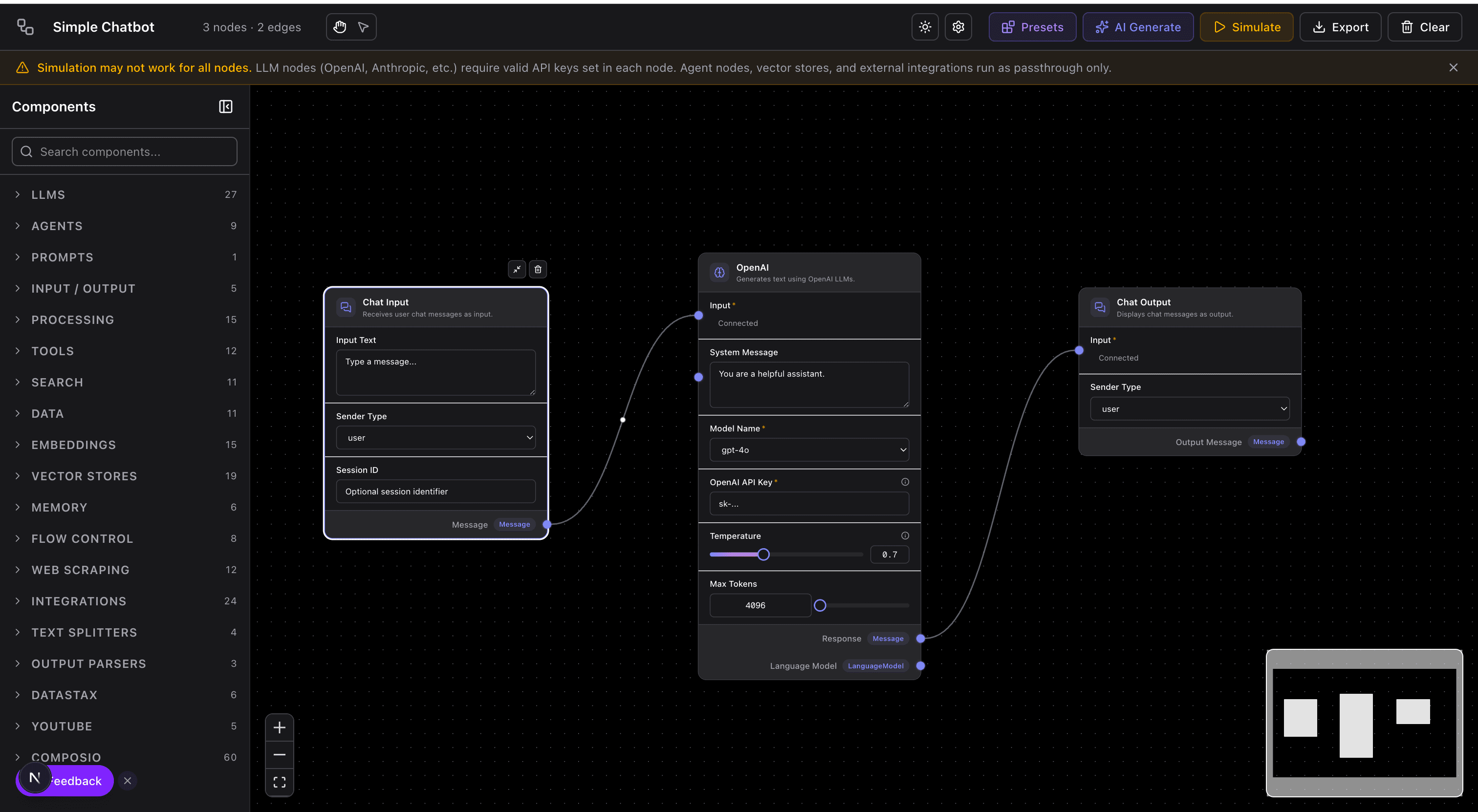
The same graph structure that powers the AI Agent Editor fits here naturally — a course run becomes a graph execution where the learner's responses route them through the graph's branches. The nodes happen to be lessons and exercises instead of LLM tool calls, but the mechanics are the same.
The honest caveats
AI-generated courses are not a replacement for expert instruction on deep technical topics. A distributed systems course written by someone who has actually run large distributed systems in production will have anecdotes, scars, and correctly-weighted emphasis that a model can't yet produce. If your goal is to become world-class at something, find the expert.
What AI-generated courses are good for is the large middle — solid, sequenced, exercise-backed material for topics where you need working competence quickly and a human expert isn't accessible or affordable. That covers a lot of real learning situations: onboarding to a new tool, catching up on a technology you touched years ago, helping a team get consistent with a framework.
It's also a remarkable leveler. A motivated learner anywhere in the world can now generate a reasonable intermediate course on most technical topics in a few minutes. A decade ago that cost a textbook and a semester.
Connecting it to visual learning
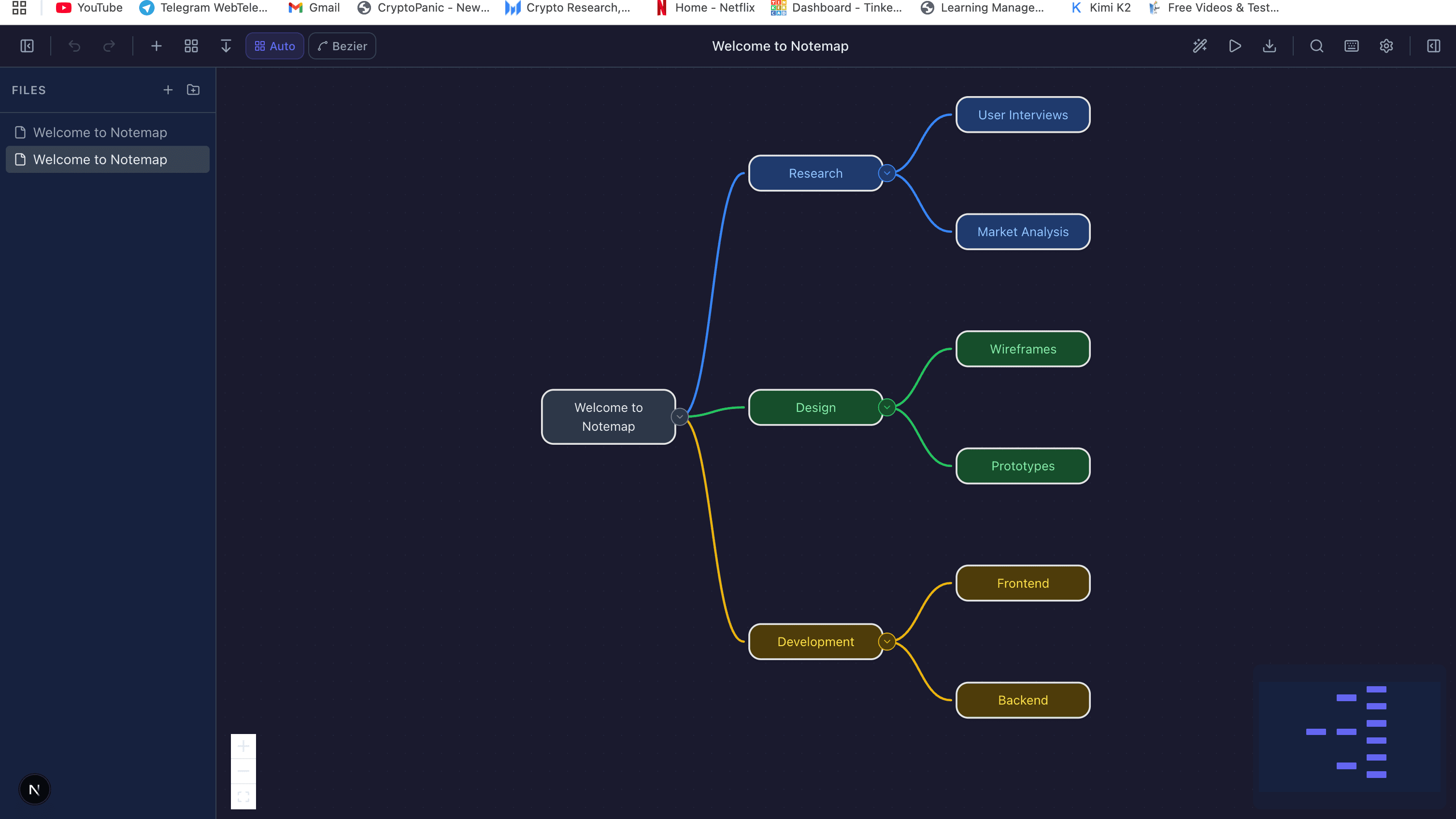
Courses get richer when they're not just text and quizzes. A lesson on system design benefits from a diagram of the architecture. A lesson on decision-making benefits from a flowchart. A lesson that introduces new terminology benefits from a mind map connecting the new concepts to what the learner already knows.
The AI Diagram Generator and Notemap are the two visual tools I reach for most often when building course content. Generate the lesson, generate the supporting diagram from the same source material, embed it. Learners who don't get the prose often get the picture.
Where to start
If you want to experiment, pick a topic you know well and generate a course on it, then audit the output. The mistakes you find will be the same mistakes the tool makes for learners who can't tell. That audit is the best way to calibrate which AI-generated courses are worth your own learning time.
For the pedagogical side — how to structure a course, even manually — Bloom's taxonomy and the "worked example effect" from cognitive load theory are worth an afternoon of reading. They're the conceptual foundation most good course generators are implicitly relying on.
For related reading on this site: mind-mapping techniques covers how to structure pre-existing knowledge before you pour new learning on top, and AI-powered diagramming covers the structured-output patterns that make deterministic AI content generation possible.
Try it yourself
Create diagrams instantly with AI Diagram — describe what you need and get a professional diagram in seconds.
Open Diagram EditorBuilder of CalcStack. Writes about software architecture, AI-assisted diagramming, and developer productivity. Follow on awais.calcstack.co.
Related articles