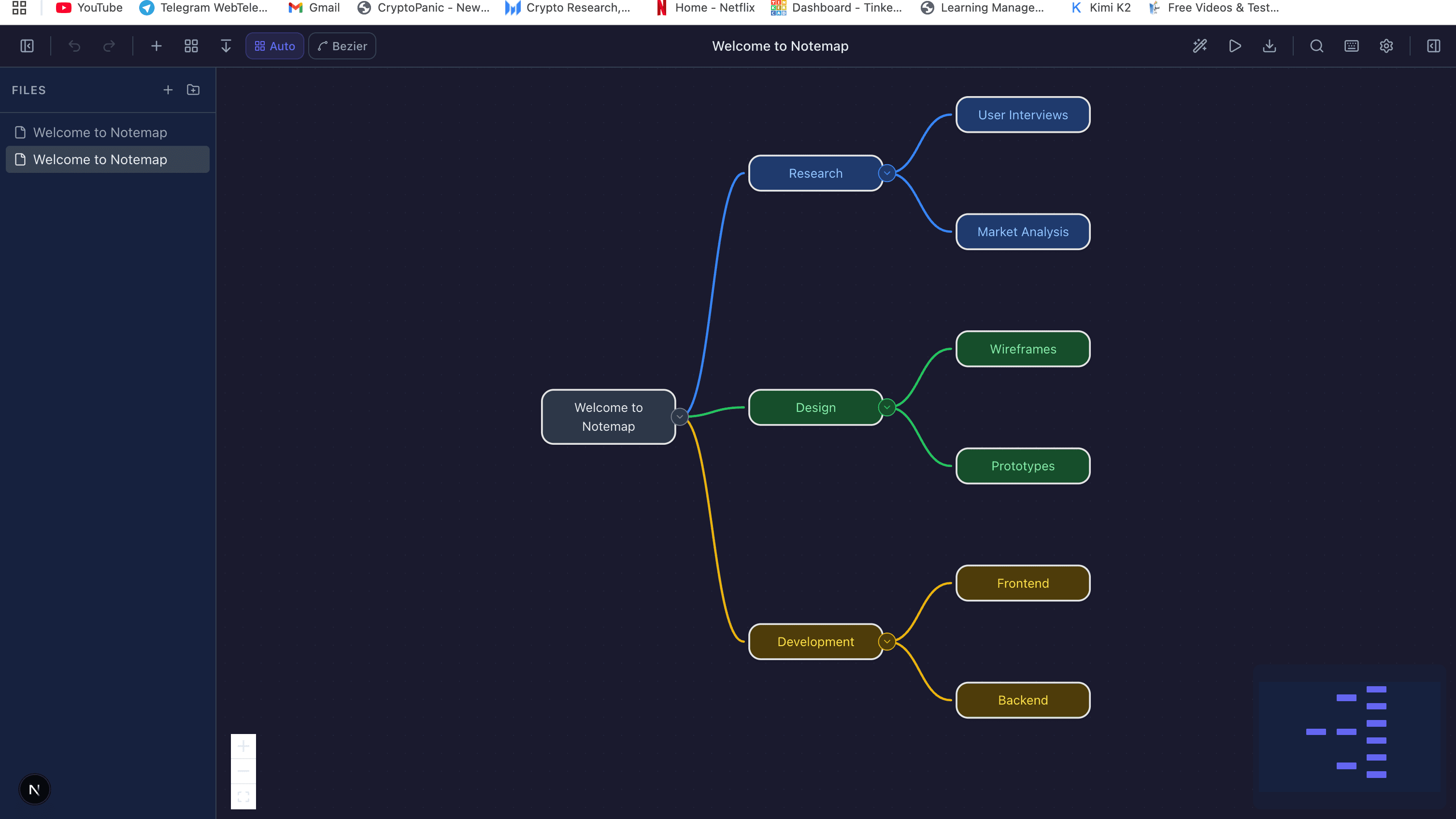
AI-Powered Diagramming: The Future of Visual Communication
A look inside how text-to-diagram tools actually work — the LLM extraction step, the DSL layer, the ELK layout engine — plus honest limitations and the prompting patterns that produce clean output.
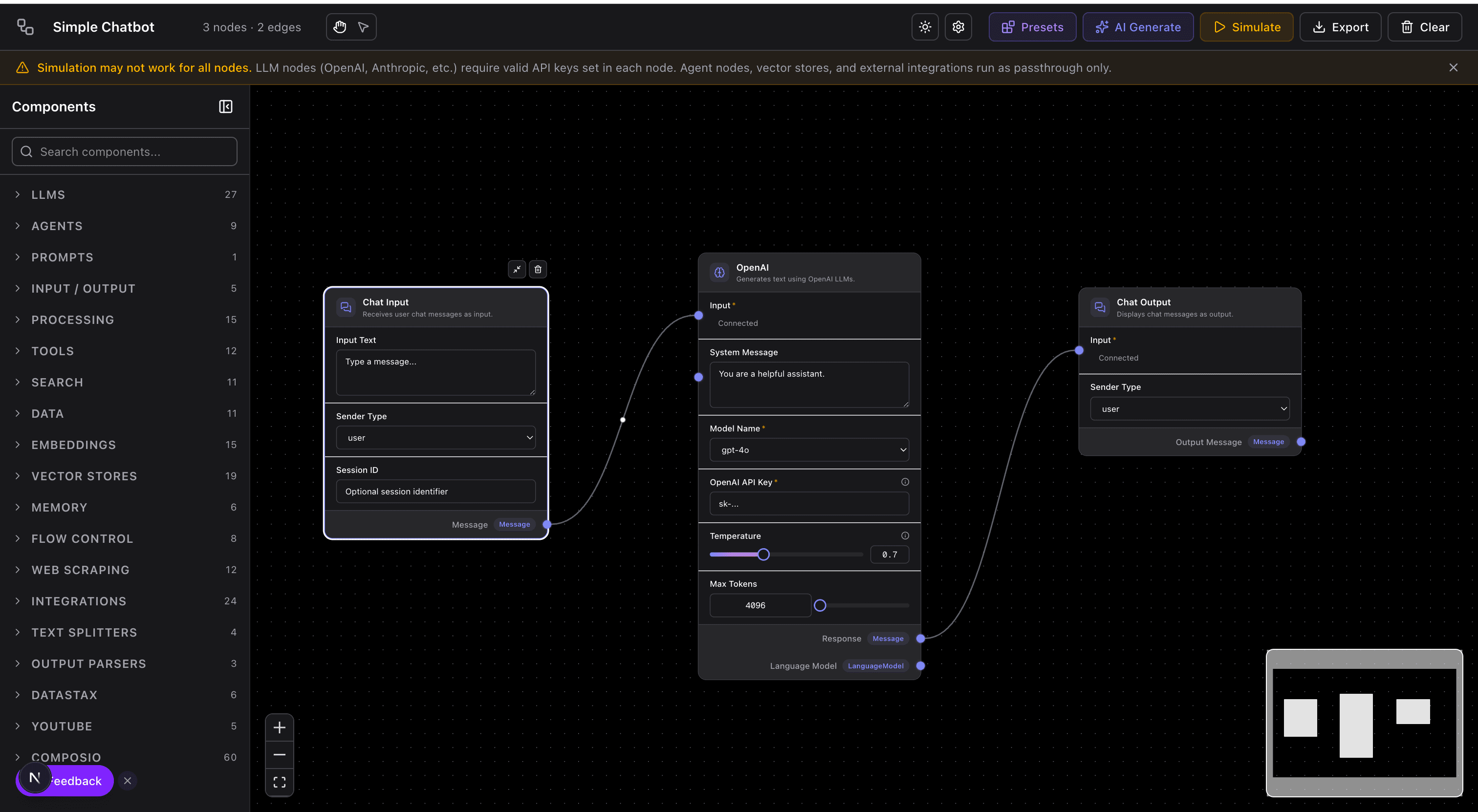
I built the first version of an AI-to-diagram pipeline in late 2023 as a weekend side project. The naive approach — prompt an LLM to produce SVG directly — failed in every way you'd expect: overlapping shapes, arrows that missed their targets, layout that changed randomly between runs, text that clipped out of containers. It looked more like a broken fax than a diagram.
The working version, which became the AI diagram generator that runs this site, took a different shape. The LLM doesn't draw anything. It writes a domain-specific language describing nodes and edges, and a deterministic layout engine draws the diagram. That boring split — LLM for structure, algorithm for geometry — is the single most important architectural decision in AI-powered diagramming, and the one most tutorials skip over.
This article walks through how these systems actually work, what they're good and bad at, and how to prompt them to get clean output.
Why traditional diagramming fights you
Traditional diagramming tools treat the diagram as a drawing. You manipulate shapes, arrows, labels, positions. For a diagram with ten or fifteen elements this is fine. Past that, you spend more time on layout than thinking — repositioning boxes to unblock arrows, aligning to invisible grids, re-routing connections after a rename. The cognitive cost of this layout work is why teams skip diagramming altogether, and why the whiteboard sketch from yesterday's meeting never gets digitized.
The realization that drives AI-powered tools: most diagrams don't actually care about specific coordinates. They care about relationships. “The web app talks to the API, the API reads from the database, the worker consumes from the queue.” The coordinates are just a rendering detail. If a computer can figure out the coordinates from the relationships, the human work collapses down to writing the relationships.
The actual pipeline, step by step
Every text-to-diagram system I've seen or built follows roughly the same four stages. If you understand these, you can predict where and why outputs will fail.
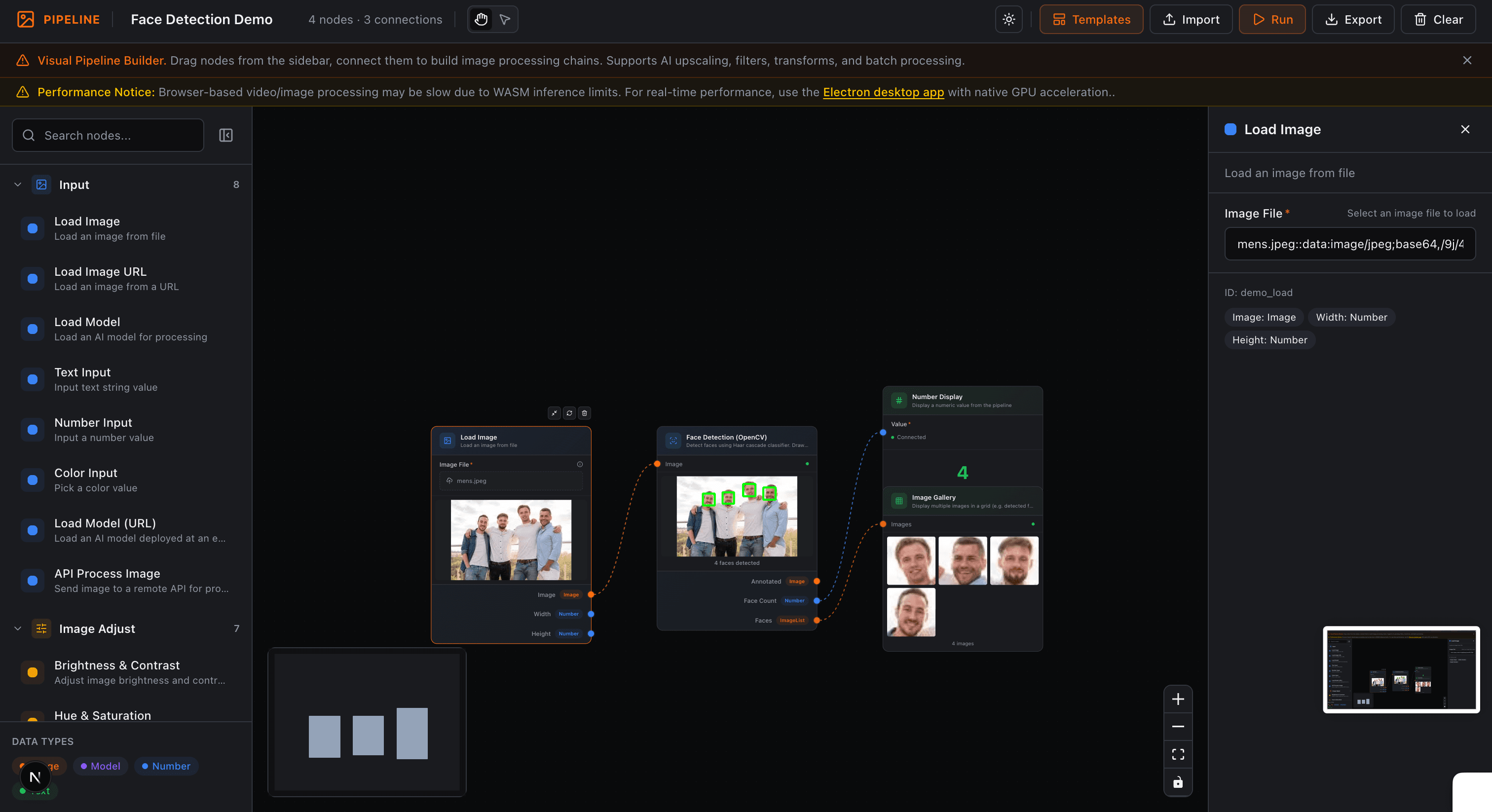
Stage 1: Natural language → structured data
The LLM reads your prose description and extracts: what nodes exist, what type each node is (service, database, external system), and what edges connect them (with optional labels). This is the only genuinely AI-dependent step in the pipeline.
The output is not a diagram. It's structured text — usually JSON or a small DSL. In our pipeline it looks like an Eraser-style DSL: web [icon: globe] > api [icon: server] > db [icon: database, shape: cylinder]. Clean, auditable, and — critically — can be diffed in git.
Stage 2: DSL → typed graph
A deterministic parser converts the DSL into an in-memory graph: list of nodes with metadata, list of edges with source/target IDs. This is where typo correction, validation, and defaulting happen. If the LLM produced invalid structure — say, referenced an undefined node — this is where it gets caught or silently fixed.
Stage 3: Graph → positions via layout engine
The core of the system. A graph layout algorithm — typically ELK (Eclipse Layout Kernel), Dagre, or ForceAtlas — assigns (x, y) coordinates to every node and computes polyline paths for every edge. This is pure graph theory: minimize edge crossings, balance node spacing, respect hierarchy. No AI involved.
We use ELK's layered algorithm for most diagrams. It produces the top-to-bottom or left-to-right layouts with orthogonal arrow routing that look “right” for flowcharts and architecture diagrams. For mind maps we switch to a radial algorithm. For ER diagrams, a force-directed one. Picking the right layout engine is as important as any model choice.
Stage 4: Positioned graph → rendered elements
Finally the positioned graph is turned into actual visual elements — Excalidraw shapes in our case — with colors, icons, text styling, and arrow bindings. This step is deterministic and purely visual. Change the rendering and the diagram looks different; change the layout and the diagram is structurally different.
Why this split matters
The four-stage pipeline isn't an implementation detail — it determines what the system can and cannot do. Some consequences:
- Deterministic re-rendering. Regenerate the same DSL and you get the same diagram every time, because only stage 1 is stochastic. The layout never randomly shuffles on you between runs.
- No broken geometry. Arrows can't miss their targets because the layout engine computes arrow paths from node positions. This is the single biggest advantage over LLM-draws-SVG approaches, which constantly produce broken connections.
- Auditable output. The DSL is human-readable. You can review what the model “understood” from your description before a pixel gets rendered. You can edit the DSL directly if the model got something wrong, without re-prompting.
- Fast iteration. Changing “postgres” to “mysql” in the DSL re-renders instantly. You don't need a full LLM call for visual tweaks.
- Version control friendly. The DSL diffs cleanly in git. Two engineers working on the same diagram merge as cleanly as two engineers working on the same config file.
Diagram types that work well (and those that don't)
Not every diagram type benefits equally from this approach. Based on what we've shipped and what users actually use:
Works well: flowcharts (covered in our flowchart best practices piece), system context and container diagrams (see architecture diagrams), simple ER diagrams, mind maps, concept maps, basic sequence diagrams. Anything where the structure is a graph with at most modest visual styling.
Works less well: detailed UML with specific stereotypes, dense BPMN with pools and lanes, hand-illustrated diagrams with custom graphics, diagrams with precise spatial meaning (floor plans, PCB layouts, infrastructure rack diagrams). These require either more specialized DSLs or genuine human layout judgment.
How to prompt for clean output
The gap between a vague prompt and a specific one is enormous. These are patterns I use daily:
State the diagram type up front
“Draw a flowchart of the checkout process” produces a flowchart. “Describe the checkout process” can produce flowchart, sequence, or architecture depending on the model's mood. Naming the type pins down the layout algorithm.
Use verbs for edges, nouns for nodes
“The user 'sends' a request to the API, which 'writes' to the database” parses cleanly into nodes (user, API, database) and labeled edges (sends, writes). Passive voice — “requests are handled by the API” — confuses the extraction step.
Name components explicitly
“auth service, user service, payment service” produces three distinct nodes. “a few microservices” produces one node labeled “microservices”. LLMs infer cardinality from specifics.
Mention grouping when it matters
“The auth and user services share a user database, grouped in the 'Identity' subsystem” puts them in a visual container. Without that cue, they'll appear as siblings without visual grouping.
Iterate on the DSL, not the prompt
When the output is 90% right, edit the DSL directly rather than rewriting the prompt and regenerating. Re-prompting changes everything; editing the DSL preserves what was already good.
Real limitations you should know
- Large diagrams degrade. Past ~30 nodes, even good layout engines start producing tangles. Break the diagram into layers or subsystems instead.
- Custom visual styles are limited. If your company has a strict diagramming spec — specific icons, colors, typography — AI-generated diagrams need manual post-processing or a customized renderer.
- Ambiguous prose → inconsistent output. “The system has some services and databases” cannot be deterministically parsed. Specifics in, specifics out.
- Specialized notations need specialized pipelines. UML deployment diagrams with nested artifacts, BPMN with message flows and swim lanes, SysML — these stretch the generic graph-layout model and usually need custom DSL and layout rules.
- The LLM sometimes hallucinates structure. If you mention “a typical microservice setup,” the model will invent services you didn't ask for, based on training patterns. Review the DSL before accepting.
The workflow I've settled on
After two years of using AI diagramming in anger, the pattern that consistently produces useful diagrams:
- Write a specific prose description of the system — name every component, describe each relationship as a verb. Think of it as writing a clear spec, not a prompt.
- Generate the DSL and diagram. Review the DSL for correctness before even looking at the visual output.
- Edit the DSL directly to fix anything the model got wrong. Regenerate only the rendering, not the DSL.
- Open the visual editor for any final hand-adjustments: specific node positions, custom colors, annotations. Usually takes under two minutes.
- Check the DSL into the repo alongside the related code. The diagram stays in sync because updating it is cheap.
The time from “I need a diagram” to “this diagram is in the repo” is typically under five minutes for architecture-scale diagrams. That's a 10x speedup over manual tools, and — more importantly — it's fast enough that teams actually keep diagrams current.
Where this is going
The next frontier is the reverse direction: code-to-diagram. Pointing an AI at a repository and having it extract an accurate architecture diagram is harder than it looks — static analysis misses runtime relationships, runtime tracing misses infrequent paths, and both miss intent. Current attempts produce diagrams that are technically accurate and practically useless.
I'd expect the useful version to arrive in the next year or two, and when it does, it'll change how teams approach documentation entirely. The diagram becomes a view on the code, not a separate artifact that drifts out of sync. Until then, text-to-diagram is where the value is — writing a diagram by describing it is still dramatically faster than drawing one, and the output stays honest because the input is what it is.
Try it yourself
Create diagrams instantly with AI Diagram — describe what you need and get a professional diagram in seconds.
Open Diagram EditorBuilder of CalcStack. Writes about software architecture, AI-assisted diagramming, and developer productivity. Follow on awais.calcstack.co.
Related articles